BUILT AROUND NARRATION
DAW Control
ReTake's transport control exists purely to prevent you from having to switch windows when you need to stop and start the recording. This is when many people start to lose focus of the script. And this was the primary reason behind the creation of Narration Assistant ReTake. Your DAW remains fully responsible for the actual recording, just as it always has and does. ReTake simply gives you a way to control it without leaving the script. Add the ReTake button and the whole process becomes faster and more fluid, putting the controls you need right where you're working.

MIDI Learn
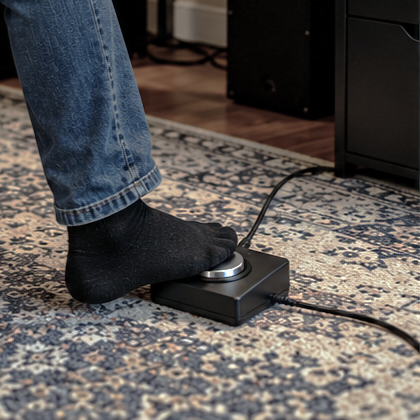
Hands-free ReTake
MIDI Learn lets you connect a MIDI device and assign it to ReTake’s controls. A MIDI controller can be used with functions such as Play, Record, Stop, Forward and Rewind and of course ReTake. For example, a foot switch can be assigned to the ReTake button which gives narrators a hands-free way to trigger ReTake’s unique punch and roll workflow, allowing recovery from a mistake without even touching the mouse or keyboard. And if that's not hands-free enough, check out The Future of Narration.