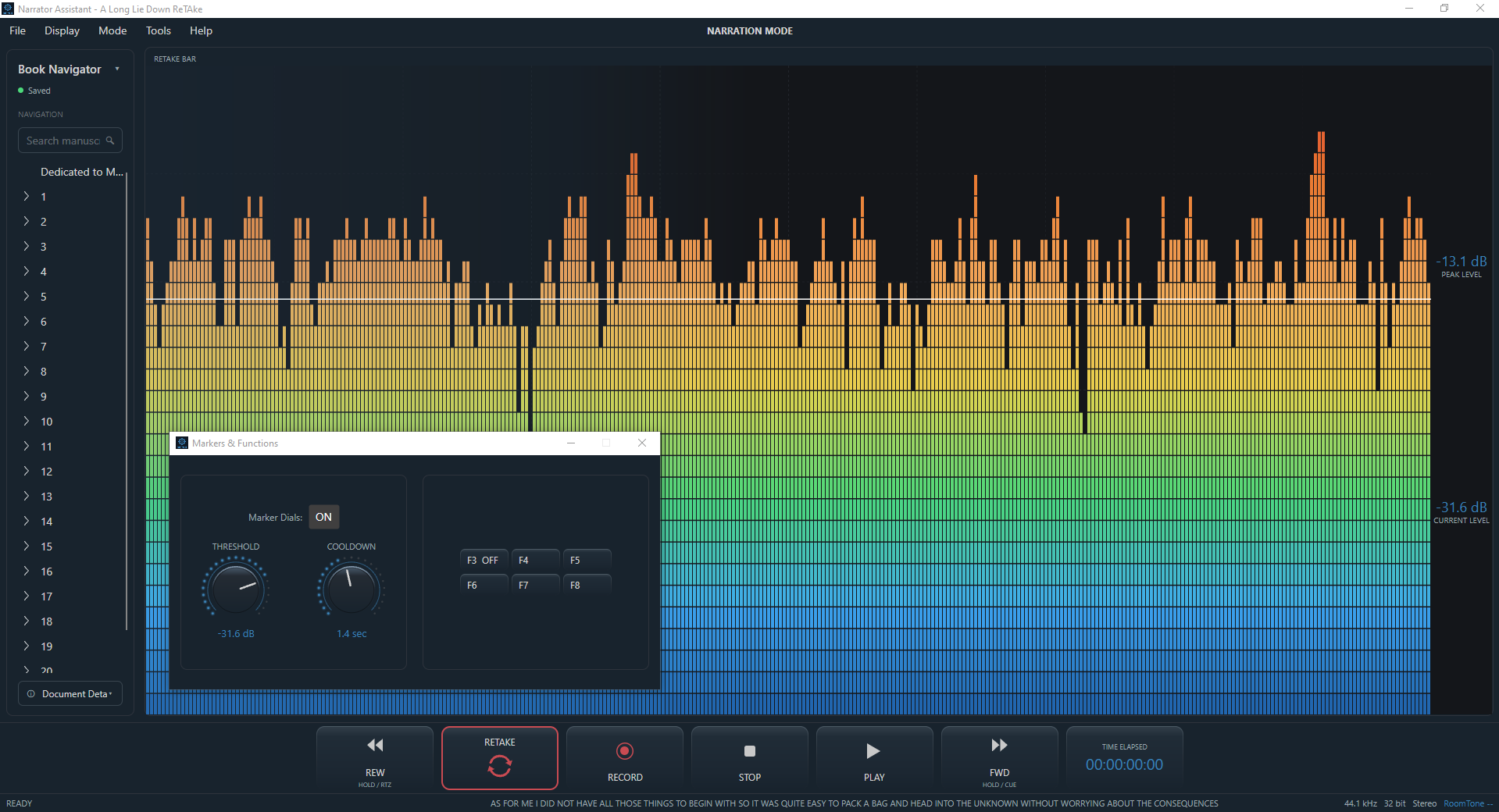
MACROS AND FUNCTIONS
Trigger your own workflow
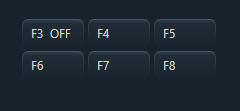
ReTake can also work with custom functions and macros, allowing you to assign actions to the F3–F8 function keys on your keyboard and trigger custom Studio One macros from within your narration workspace. What do you use yours for? Send us an email and tell us, maybe we can improve the experience.
Set up the functions you use most and keep them within reach, so your controller and ReTake can become part of the workflow you already use rather than forcing you to change it.
COOLDOWN
Turn silence into action
Another way to use ReTake is to work with markers. ReTake's Cooldown feature can detect when your speech falls below a certain threshold level for a defined amount of time, both adjustable by using the dials, which then drops a marker automatically at that event. Combine those markers with a custom macro and the F buttons and you can create your own shortcuts and workflows around the way you narrate. Contact us and let us know how you use yours, or what features or macros you would like to see in ReTake in the future.