BUILT AROUND NARRATION
Word Recognition
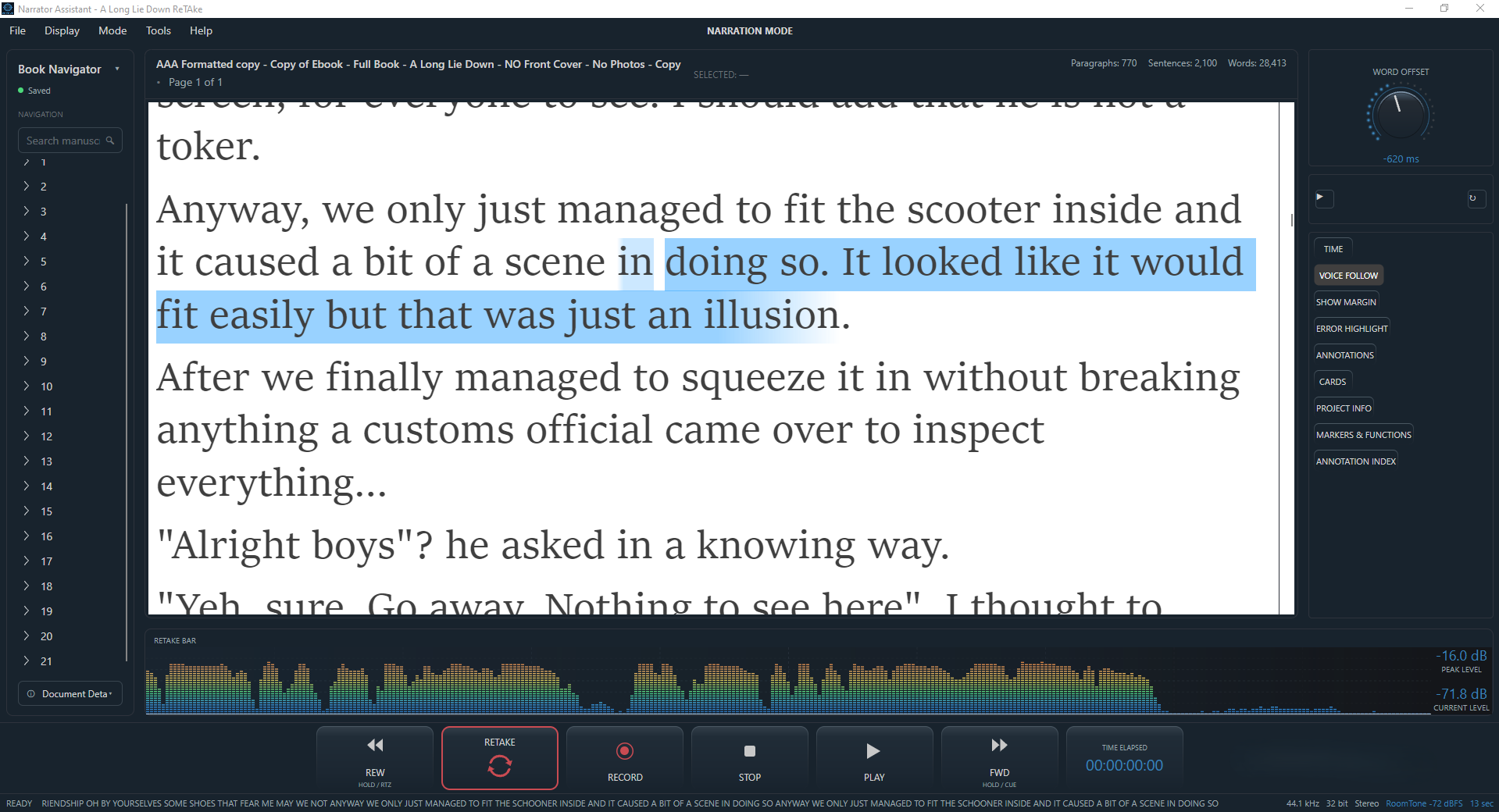
Error Highlighting advises you against potential misreads, skipped or added words or even if you've skipped one or two lines, the moment they happen. You can then decide to ignore the warning and continue or hit the ReTake button. For some narrators, this can actually be a distraction so, this feature, like many features in ReTake , can easily be switched on or off. At the bottom of the window, a small recognised-text readout shows you exactly what's been picked up by the internal engine, if you want to check it yourself against the script.
WHY IT MATTERS
Stay on the page, automatically
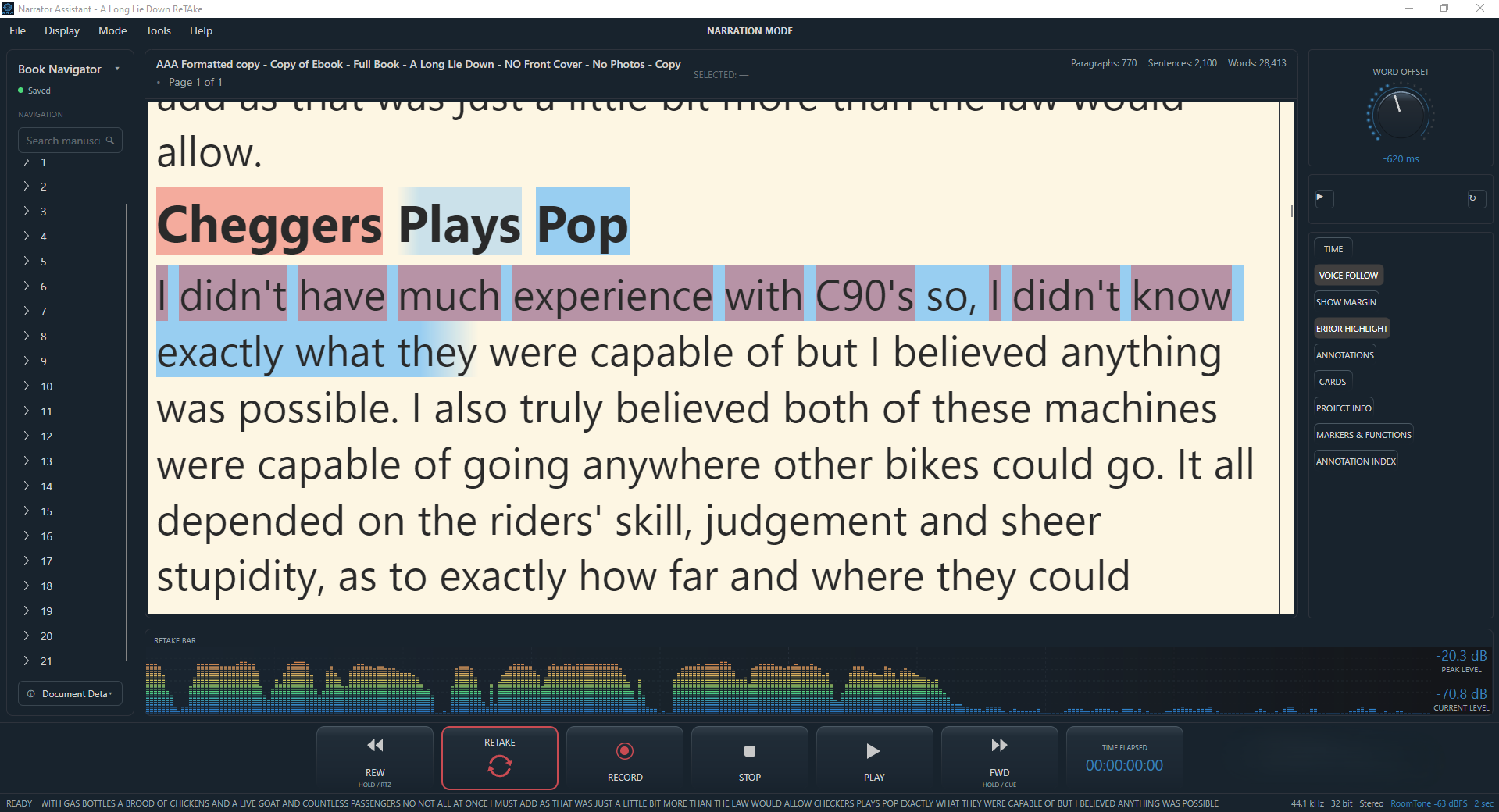
Voice Follow tracks your voice as you narrate, speeding up, slowing down, or holding steady through a pause, in time with your actual voice rather than a fixed scroll.
Similar to autocue or a teleprompter, it keeps the current position highlighted against what you're actually saying, so if you pause mid-sentence, the highlight waits for you rather than drifting ahead on its own. Like many features in ReTake, you can choose whether to Show or Hide it, with a simple click.
Both of these features run entirely on your own computer, nothing about your voice is sent anywhere. In fact, the software doesn't even need an internet connection to work.