RECORDING WORKFLOW
Stay with the performance
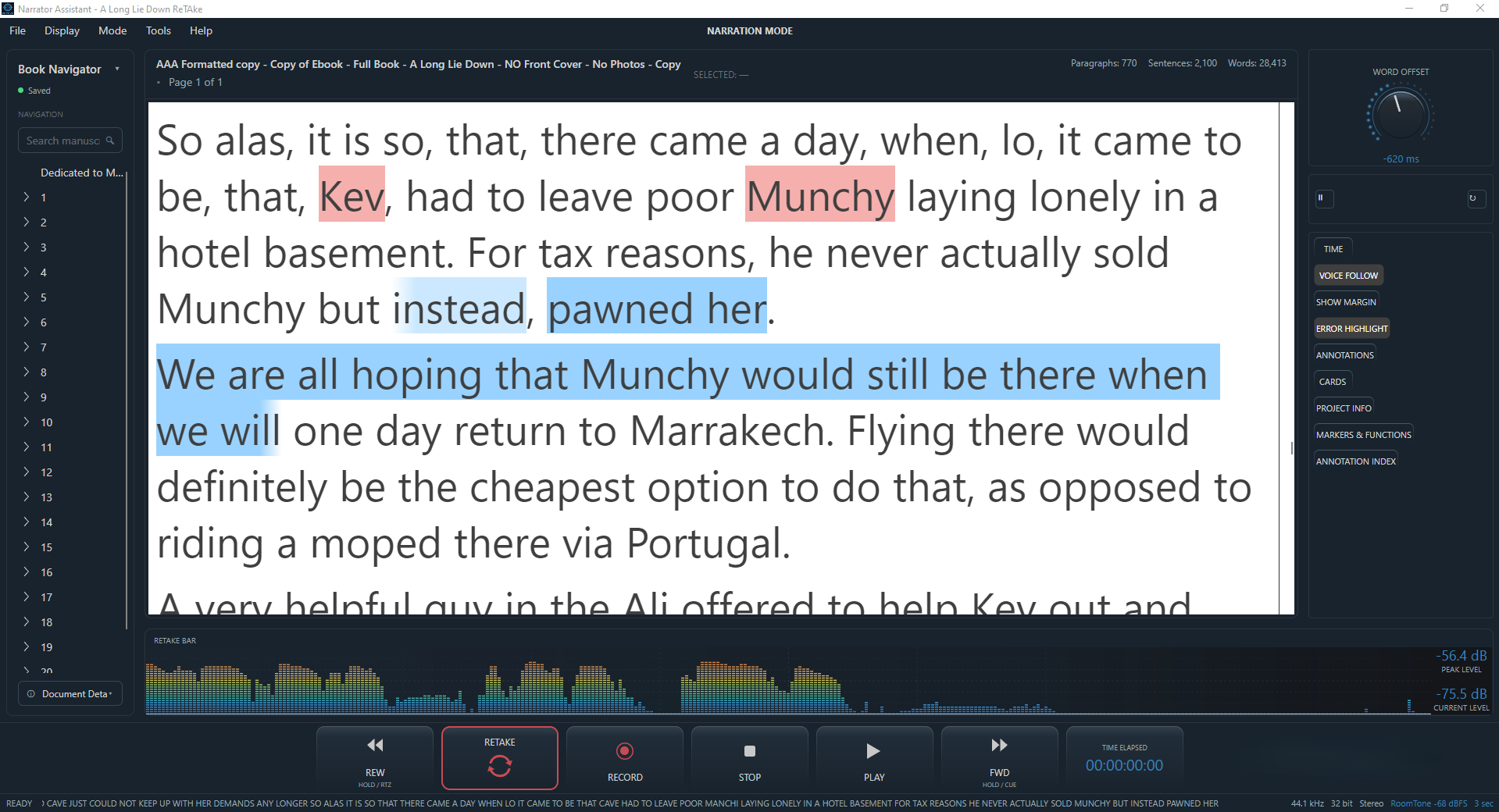
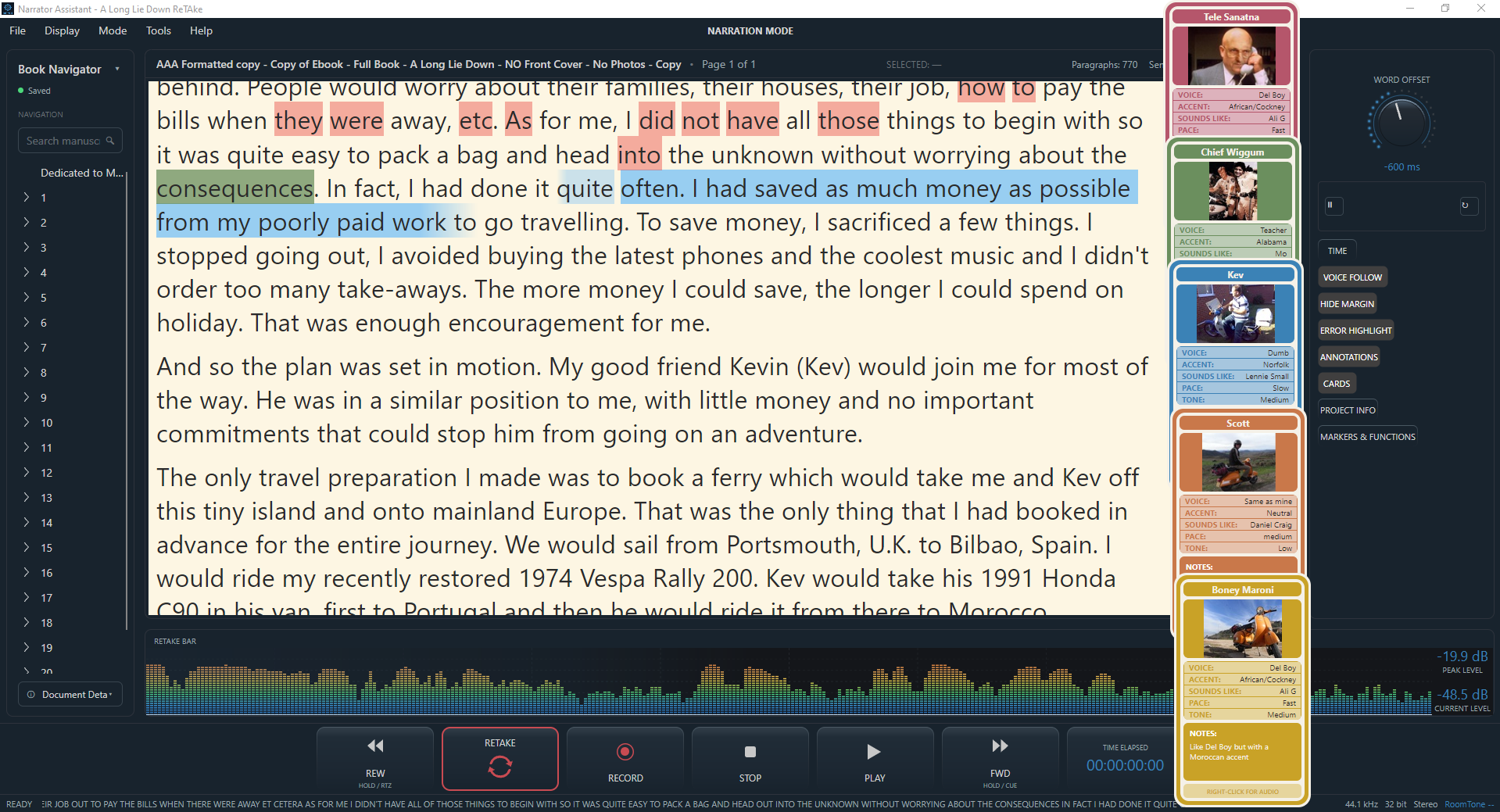
Prepare your DAW as usual. Drag and drop a text document into ReTake. Choose your place in the script and hit record. That's it. Very convenient, especially for voiceover artists recording lots of short scripts. It's the same for narrators too, just select the word or sentence from where you want to begin recording and hit record.
Your DAW records exactly as it always does. What changes is how much of it you need to look at directly - Play, Stop, Record, Rewind and Forward are all available so you can control everything from within the script, not in another screen or window.
While recording, ReTake can follow your voice, highlight your position, show you any potential errors and if the take goes wrong, ReTake does the recovery — see ReTake for how the punch-and-roll system actually works.
ReTake also opens your saved manuscript from where your left off, saving you valuable time.